
USB Data Loading Explained: How to Send Pre-Loaded USB Sticks

A branded USB stick is a great giveaway. A branded USB stick that already has your brochure, presentation or video on it is even better!
That's data loading. We can put your files onto every stick before they leave our warehouse, so they're ready to use as soon as someone plugs one in. No copying files across one by one, and no hoping each stick worked.
Here's how it works.
What is USB data loading?
Data loading (also called USB duplication) means copying the same files onto a batch of USB sticks during manufacturing. Every person who receives one gets an identical, fully working copy of your content.
It's one of the most popular extras we offer, and on our standard delivery service it's free as long as the files on each stick add up to 500MB or less. A small charge applies to files over 500MB. See Pricing here.
What can you load onto a USB stick?
Almost anything.
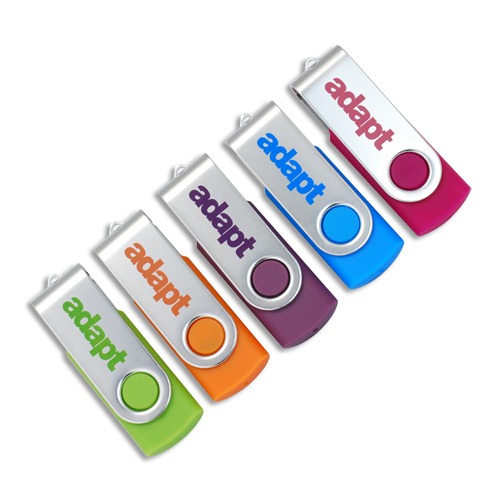
The most common requests are:
-
Sales presentations
-
Product catalogues and price lists
-
Brochures and media events
-
Training materials and staff handbooks
-
Videos and showreels
-
Photos
-
Software, drivers and updates
-
Conference packs
How the data loading process works
1. Send us your files
You can send your files in three ways:
-
Email: small files can go straight to your account manager.
-
WeTransfer (or a similar service): best for larger files.
-
Post us a USB stick: send your own stick with the files on it.
2. We make a master copy
We create a master USB stick, which is the copy every other stick is duplicated from. If you've sent your own stick, we can use that as the master.
3. We duplicate and check every stick
We have over a dozen flash drive duplication machines and are acquiring more over time. Each machine is capable of copying data to roughly 32 USB memory sticks at once.
The machines don't just copy your files. They also verify the data and check that every stick is working 100% correctly. If a stick fails, it's replaced free of charge and goes through the same process again.
4. You get a full report
We send you a report showing how much data was loaded and the details of any failed drives (which we will have replaced).
Can you stop people deleting the files?
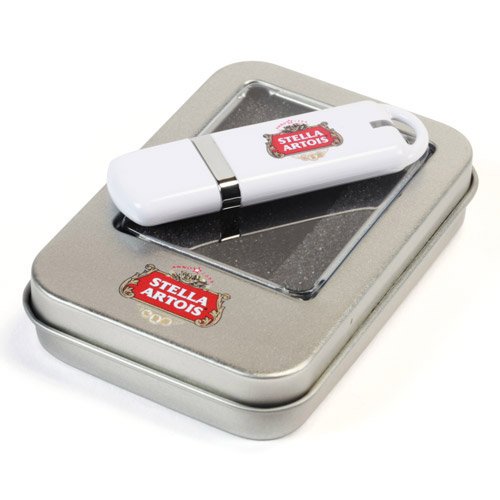
Yes. Loaded data can be protected so the user can't delete it. This is ideal for catalogues, training material or anything you want to stay on the stick.
Partitioning: protected files plus free space
We can also partition the stick, which splits it into two separate "virtual" drives:
-
One locked drive with your files, which can't be deleted
-
One open drive for the user to save their own files
What about autorun?
Autorun makes your files open automatically when someone plugs in the stick. We can still set this up, but we no longer recommend it, because:
-
It usually doesn't work on Macs or the latest versions of Windows
-
Corporate networks, firewalls and antivirus software often block it
-
Many users find it intrusive and annoying
-
Autorun files can only be added during manufacturing and can't be deleted afterwards
Our tip: use a clearly named file instead, such as "START HERE.pdf" or "Open Me - Catalogue 2027".
Handy tips before you send your files
-
Check your total file size against the stick's capacity. You can choose a bigger stick if you need more space for the user, or to stay well within the limit.
-
Use clear file and folder names, so people know what to open first.
-
Test your files before you send them. Open every link and play every video, so the master copy is perfect.
-
Think about Mac and PC users. PDFs and MP4 videos work on almost everything.
Already have USB sticks?
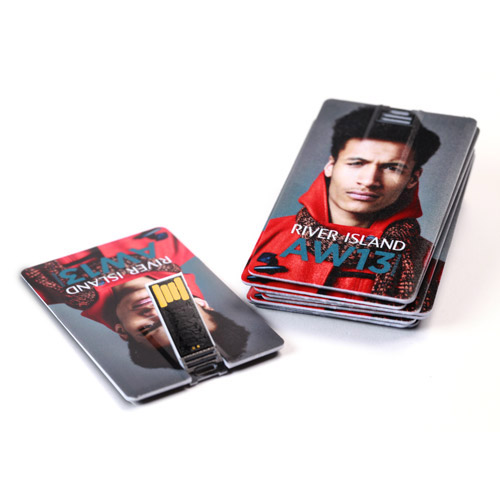
If you already have USB sticks that need loading, we can help with that too. We'll wipe them and reload them with your files. The price depends on how much data you're loading and the size of the sticks, plus a set-up fee. View the price list here.
Frequently asked questions
Is data loading free?
Yes, on our standard delivery service, if the data on each stick is 500MB or less. A small charge applies to larger files or to express orders. View Pricing here.
Can you load data onto express orders?
Yes. A small charge applies when you use our express service.
Can the files be locked?
Yes. Data can be protected so it can't be deleted. You can also partition the stick to give the user a separate space for their own files.
What happens if a stick fails?
Our machines check every stick to ensure all files transferred correctly. Any that fail are replaced free of charge and loaded again.
What file types can you load?
Almost any. The most common are PDFs, PowerPoint presentations and video files.
Ready to load your USB sticks?
Choose from our full range of branded USB sticks, from classic and credit card styles to wooden, metal and USB-C. Then send your files to your account manager, and we'll take care of the rest.
Find out more about data loading or get in touch for a quote.