
How Cold Weather affects Battery Life

Have you ever been out on a freezing morning, looked down at your phone on 30%, and watched it switch itself off?
You're not imagining it, and your phone probably isn't broken. Cold weather really does affect battery life, and with winter on the way, you're likely start to notice that your battery runs out faster.
Why does it happen?
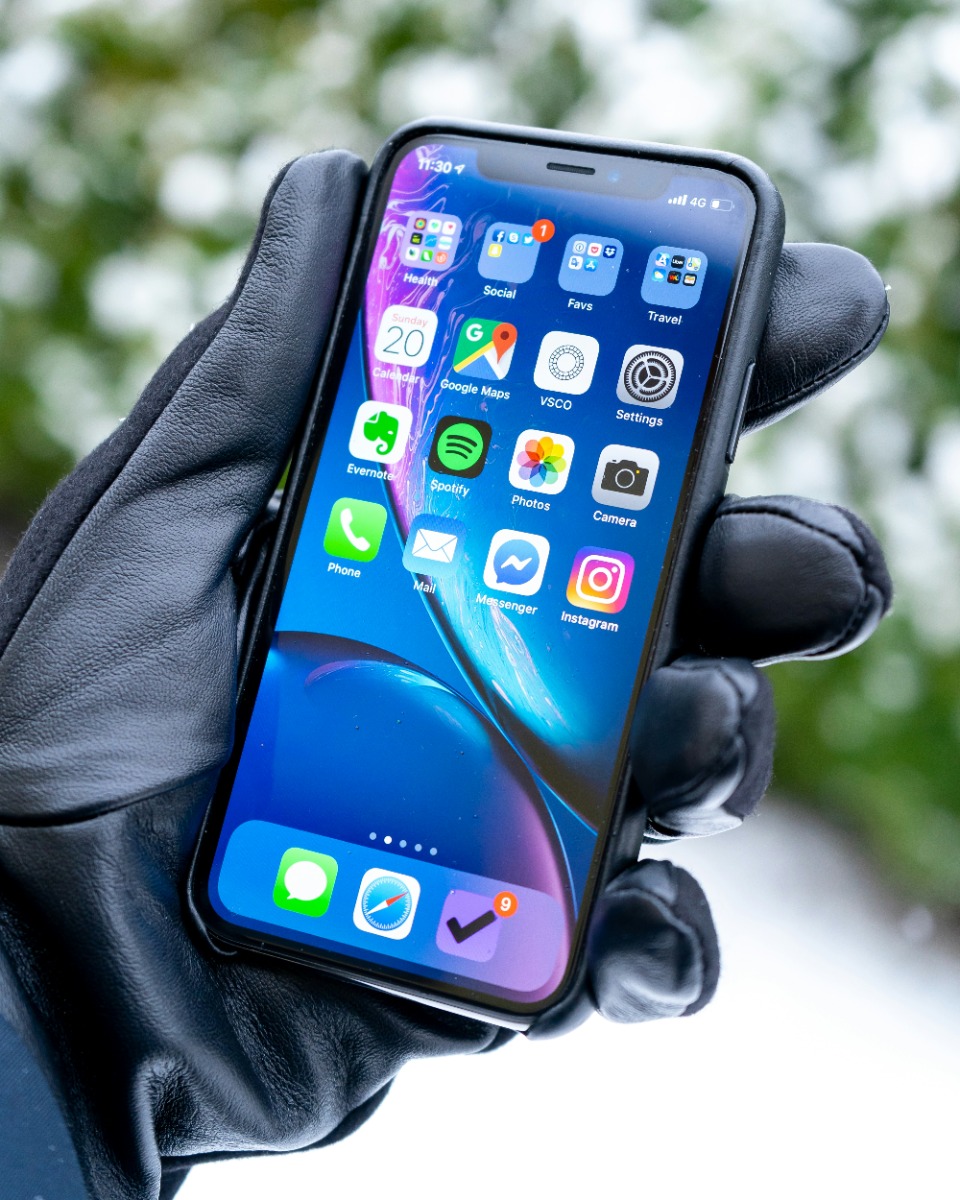
Most phones run on lithium-ion batteries, which make power through a chemical reaction. When the temperature drops, that reaction slows down and the battery's internal resistance goes up, so it has to work harder to deliver the same power.
Phones and electronic devices work best between 0°C and 35°C. Below that, you may start to see some of the signs below.
The signs to look out for
- Faster drain: your battery percentage drops much more quickly than usual.
- Sudden shutdowns: your phone turns off even though it still shows charge left.
- Sluggish performance: apps and the screen can feel slow to respond.
- Charging problems: your phone charges slowly or may not charge at all.
Is the damage permanent?
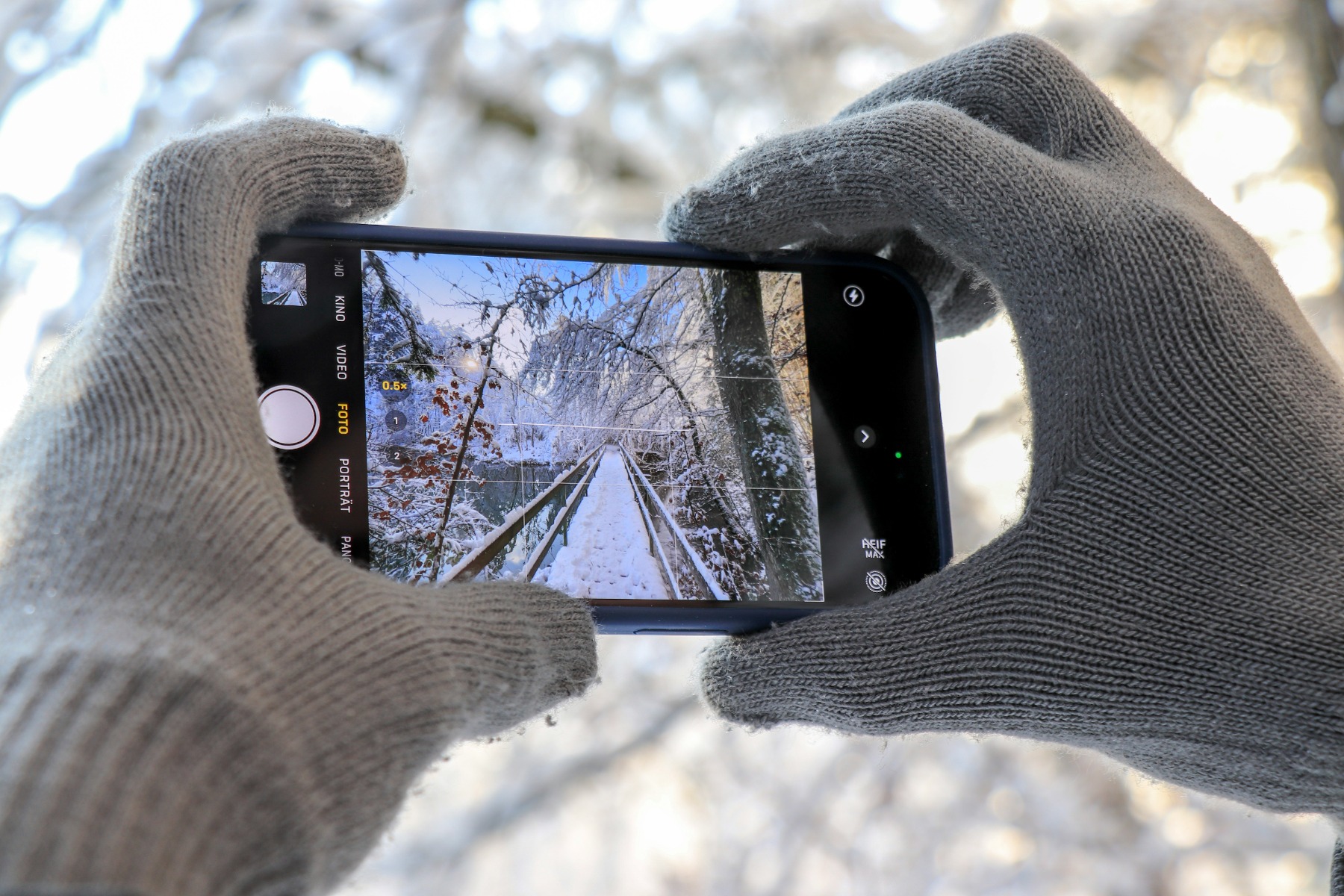
Usually not. The drop in battery life in very cold conditions is temporary, and performance returns to normal once the battery warms up.
The one thing to avoid is charging while it's freezing. Charging a lithium-ion battery below 0°C can cause permanent damage, according to Battery University. It's best to charge at room temperature, so let your phone warm up first.
What to do if your phone shuts down
Don't panic! Bring it indoors and let it warm up gradually in your hand, in a pocket or at room temperature. Keep it away from radiators and hairdryers, because sudden changes in temperature can cause condensation. Once it has warmed up, it should turn back on as normal.
How to protect your battery this winter
- Keep it close. An inside coat pocket is much warmer than a bag or an outside pocket.
- Don't leave it in the car. A car gets very cold overnight, so bring your tech in with you.
- Use Low Power Mode. Turn it on before you head out, or use Battery Saver on Android.
- Turn off what you don't need. Bluetooth, GPS and background apps all use extra power.
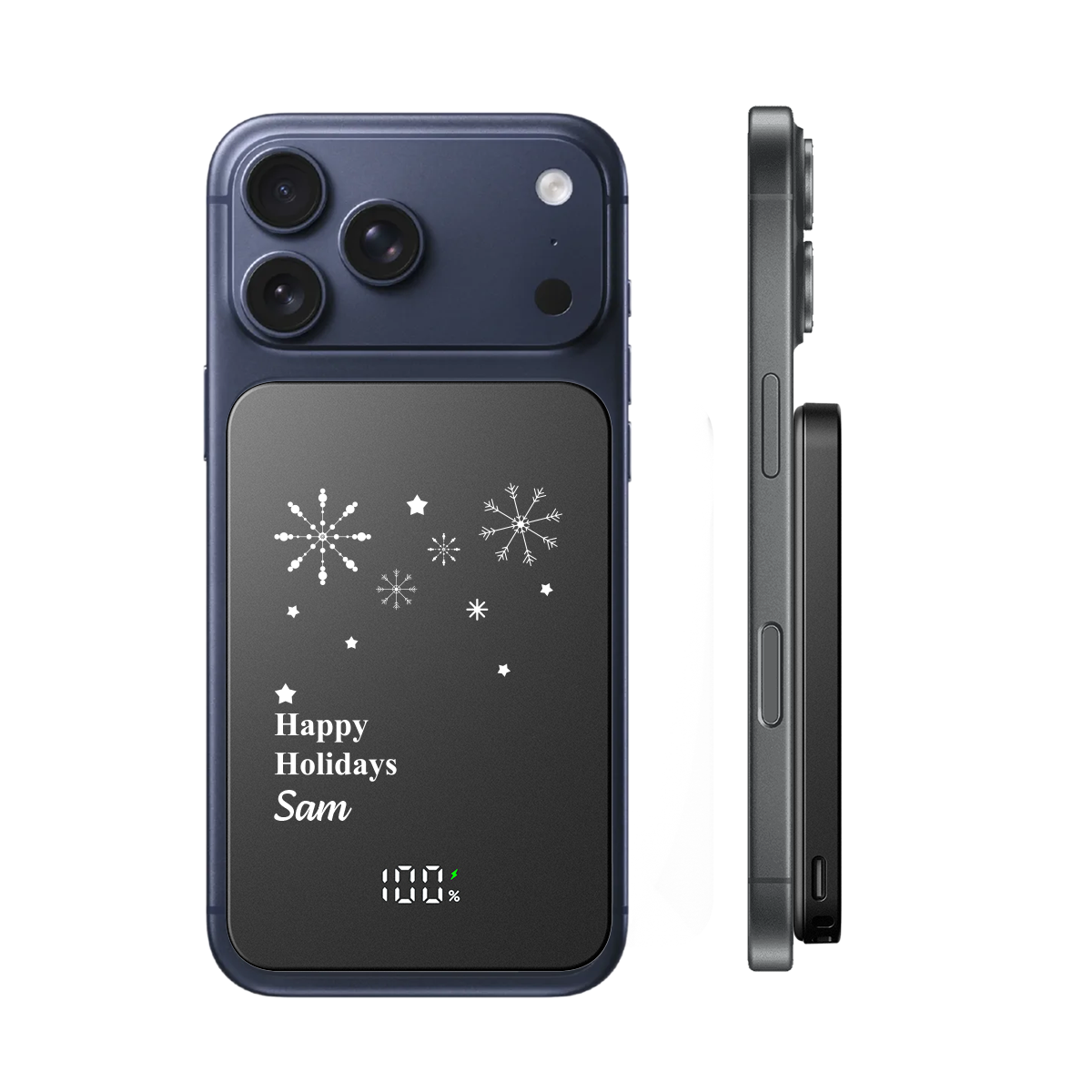
Have a power bank ready
With devices running out faster in winter, a power bank can really earn its place. Keep it in a warm pocket too, as its battery feels the cold just like your phone's does.
From pocket-sized boosters to 10000mAh all-rounders, take a look at our full power bank range and get your clients ready for winter.
Find out how your logo will look on our best sellers! Email [email protected] to get your FREE visual mock up.